Payment Cash Discount
###Customer မှ Invoice အလိုက် ငွေချေ ရာတွင် Payment Discount ပေးလိုပါက.....
Accounting > Payment Entry ကို နှိပ်ပါ။
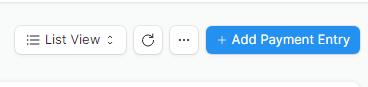
- Add Payment Entry ကိုနှိပ်ပါ။
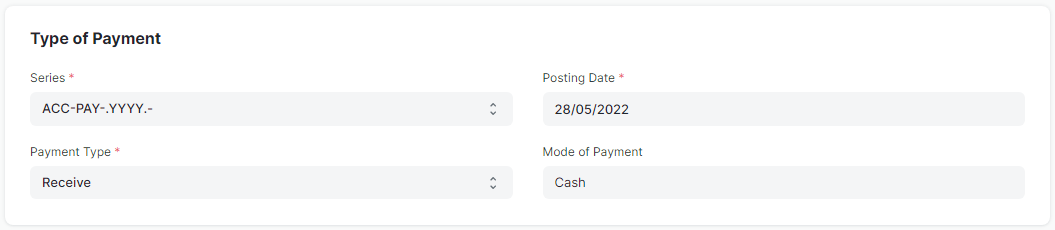
-
Party Type တွင် Customer ကိုရွေးပါ။
-
Party တွင် Customer Name ကိုရွေးပါ။
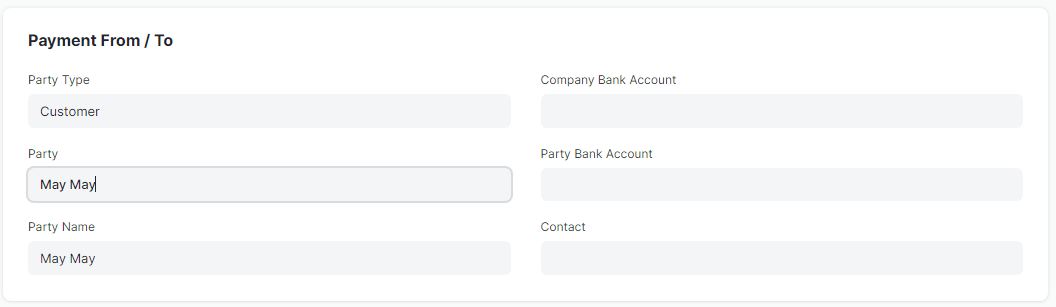
-ငွေလက်ခံရသော Amount ကိုထည့်ပါ။ (Cash Discount ချပြီးသော Amount)
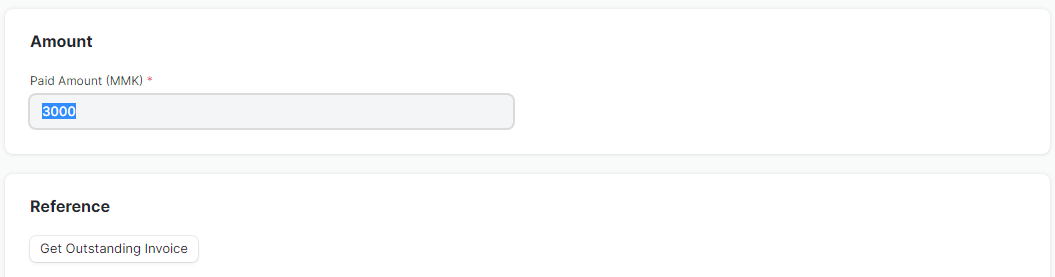
-Get Outstanding Invoice ကိုနှိပ်ပါ။
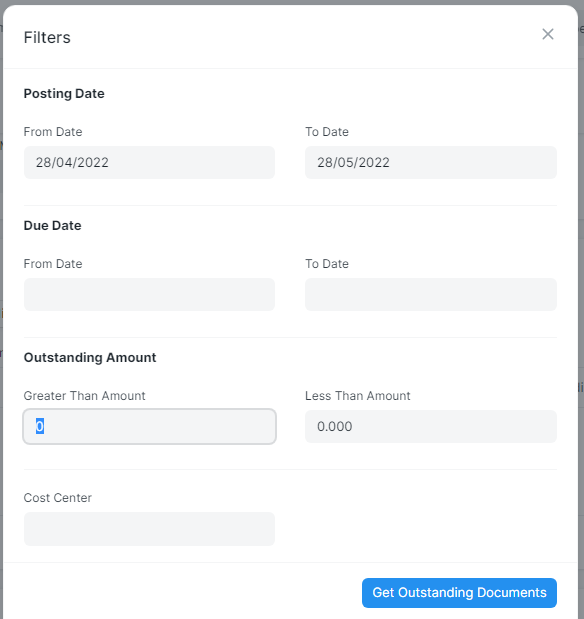
- Get Outstanding Documents ကိုထပ်နှိပ်ပါ။
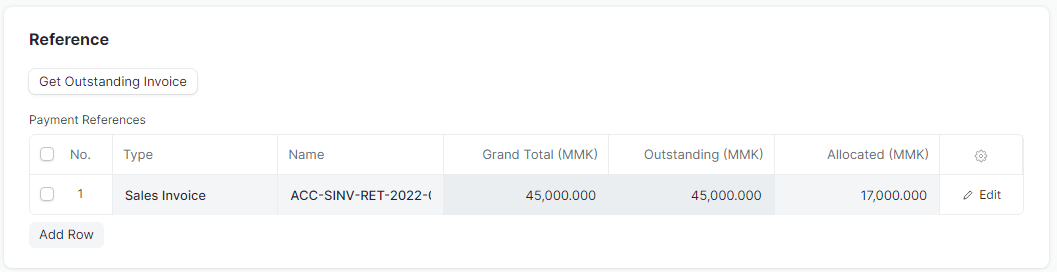
- ဝယ်ယူထားသော Sale Invoice များ ကျလာမည်ဖြစ်သည်။
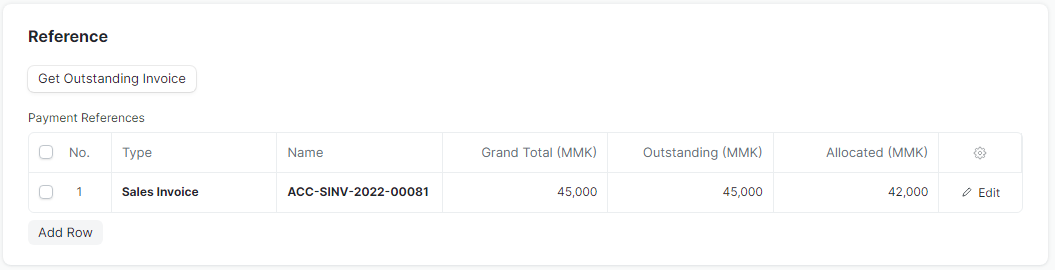
-
Allocated Amount တွင် Invoice Amount အပေါ်တွင် Discount ပေးမည်ဖြစ်သောကြောင့် Invoice Amount အတိုင်းထည့်ပေးရမည်။
-
Cash Discount 3000 လျော့၍ဝယ်လိုက်သောကြောင့် Difference Amount တွင် MMK 3000 ပြပေးသည်။
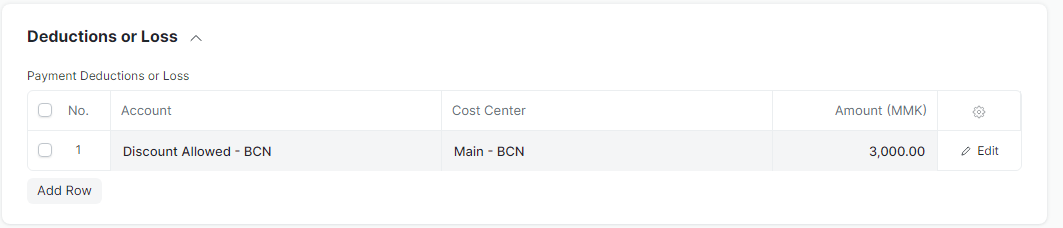
- Write off Difference Amount ကိုနှိပ်၍ Sale Discount Account တွင် Cash Discount Amount ကိုပြပေးမည်ဖြစ်သည်။
Last updated 4 months ago
Was this helpful?