Accounts Receivable Summary Report
လုပ်ငန်းမှ Customer တစ်ဦးချင်းစီအလိုက် ရရန်ရှိသည့် Amount စုစုပေါင်းကိုသိရှိလိုပါက Accounts Receivable Summary Report တွင်ကြည့်ရှုနိုင်ပါသည်။
Accounting > Accounts Receivable ကိုနှိပ်ပါ။
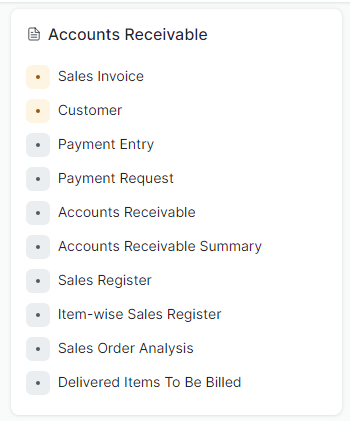
- Accounts Receivable Summary ကိုနှိပ်ပါ။
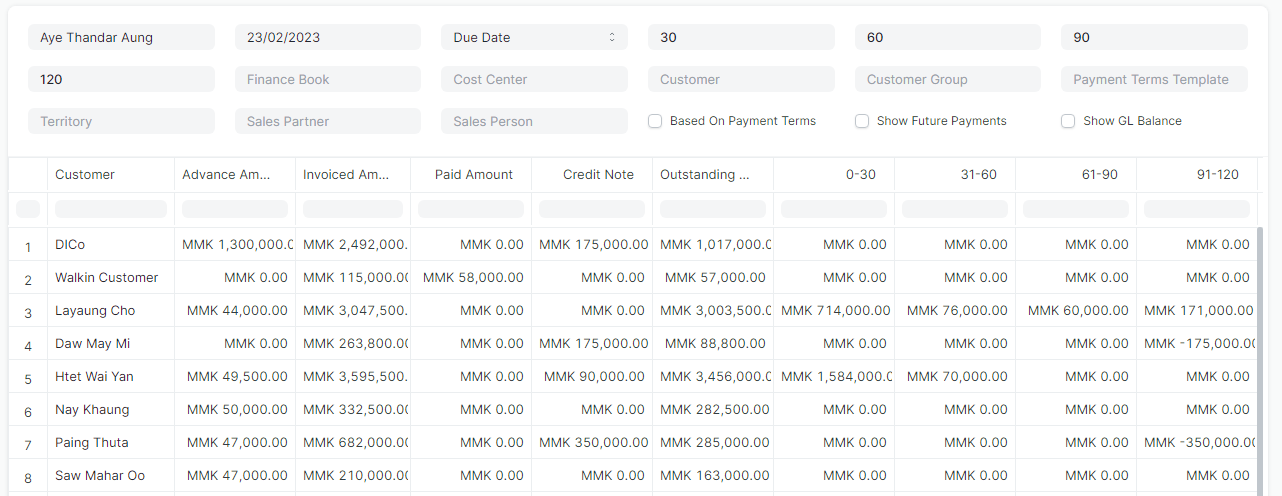
-
Posting Date တွင် Date ရွေးကြည့်ပါက ထိုရွေးချယ်ထားသည့် Date မတိုင်ခင် အထိ စာရင်းများကိုလာပြပေးပါမည်။
-
Customer တစ်ဦးစီအလိုက်ရွေးချယ်၍ ရရန်ရှိသည့် Amount စုစုပေါင်းကို ကြည့်ရှုနိုင်ပါသည်။

- အစက်သုံးစက် Menu ကိုနှိပ်၍ PDF File, Print, Excel Export ထုတ်၍လည်းကြည့်ရှုနိုင်ပါသည်။
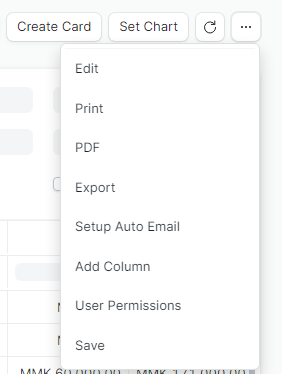
- မိမိထုတ်ကြည့်လိုသည့် PDF, Print, Export ကိုနှိပ်ပါ။
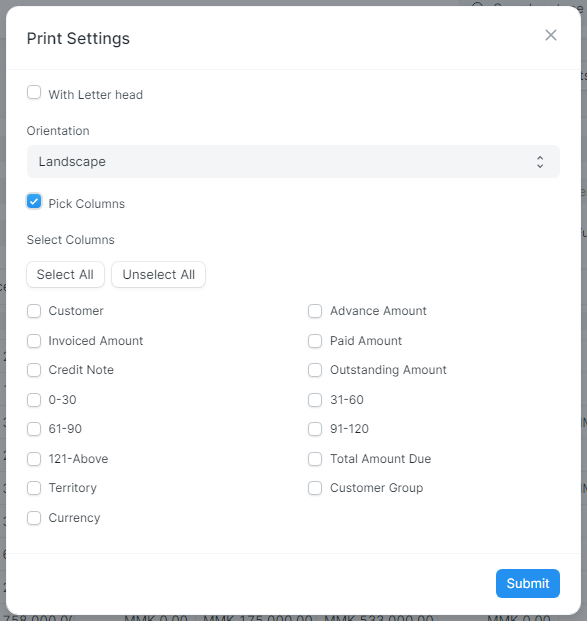
- PDF File နှင့် Print ထုတ်ကြည့်ရာတွင် Pick Columns ကိုနှိပ်၍ လိုအပ်သည့် Columns များထပ်တိုး၍ကြည့်နိုင်ပါသည်။
Last updated 4 months ago
Was this helpful?