Frappe provides a group of standard, interactive and flexible dialogs that are easy to configure and use. There's also an API for Python.
frappe.ui.Dialog
new frappe.ui.Dialog({ title, fields, primary_action })
Creates a new Dialog instance.
let records = []

let fields = [
    label: "Stock Entry",
    fieldtype: "Table",
    fieldname: "entries",
    description: __("Select Stock Entry..."),
    cannot_add_rows: true, // not allow to add rows
    cannot_delete_rows: true, // not allow to delete rows
    in_place_edit: false,   // allows inline editing
    fields: [
        {
            fieldtype: "Data",
            fieldname: "name",
            label: __("Stock Entry"),
            in_list_view: 1,
            read_only: 1, // Read Only mode is `on`
            columns: 9
        },
        {
            fieldtype: "Float",
            fieldname: "fg_completed_qty",
            reqd: 1,
            label: __("Qty"),
            in_list_view: 1,
            columns: 1
        },
    ],
    data: records,
    get_data: () => {
        return records;
    }
];

var d = new frappe.ui.Dialog({
    title: __("Select Stock Entry"),
    fields: fields,
    primary_action: function (values) { // primary action

        // get the selected row(s)
        let selected_rows = values.entries.filter(r => r.__checked);
        console.log("Selected row(s)):", selected_rows);
    },
    // primary_action_label: __("OK") // change primary action label
});

d.show();
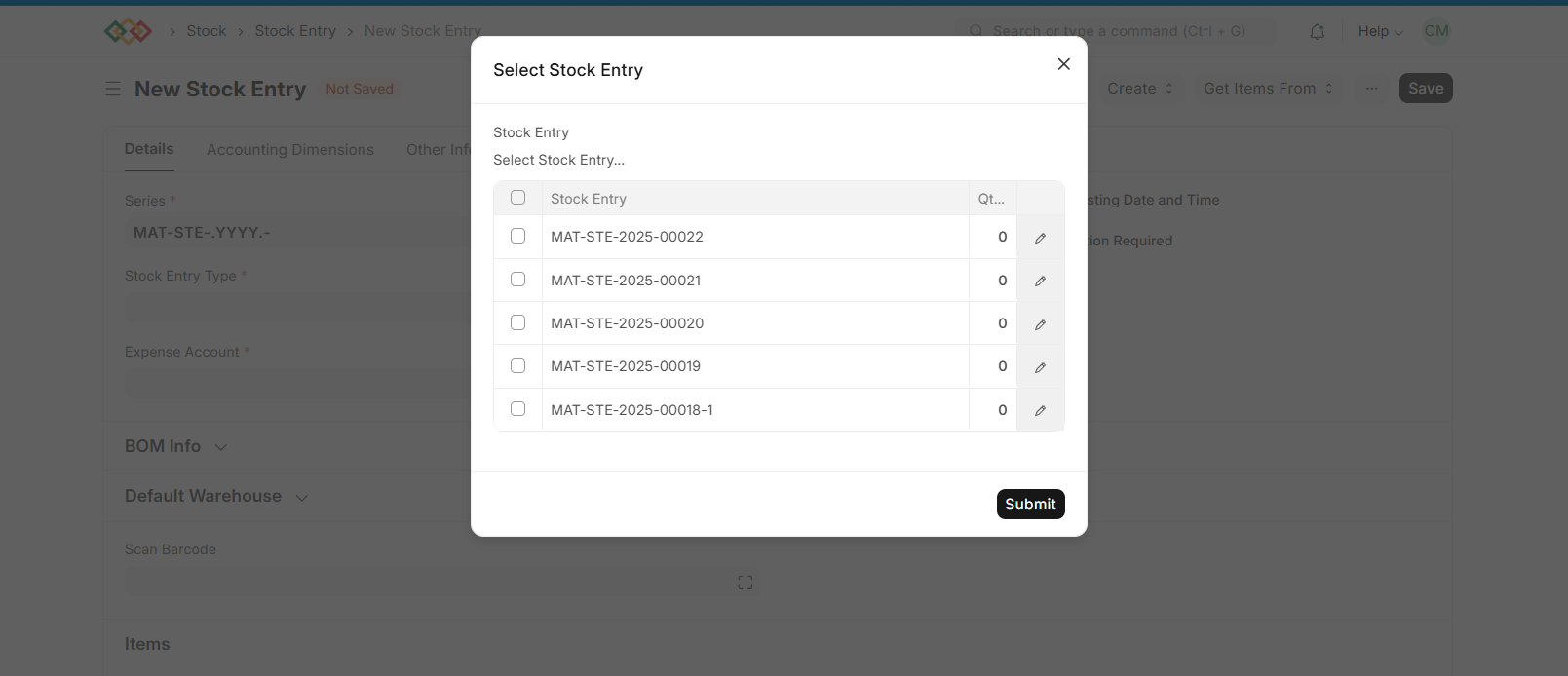
in_place_edit: true
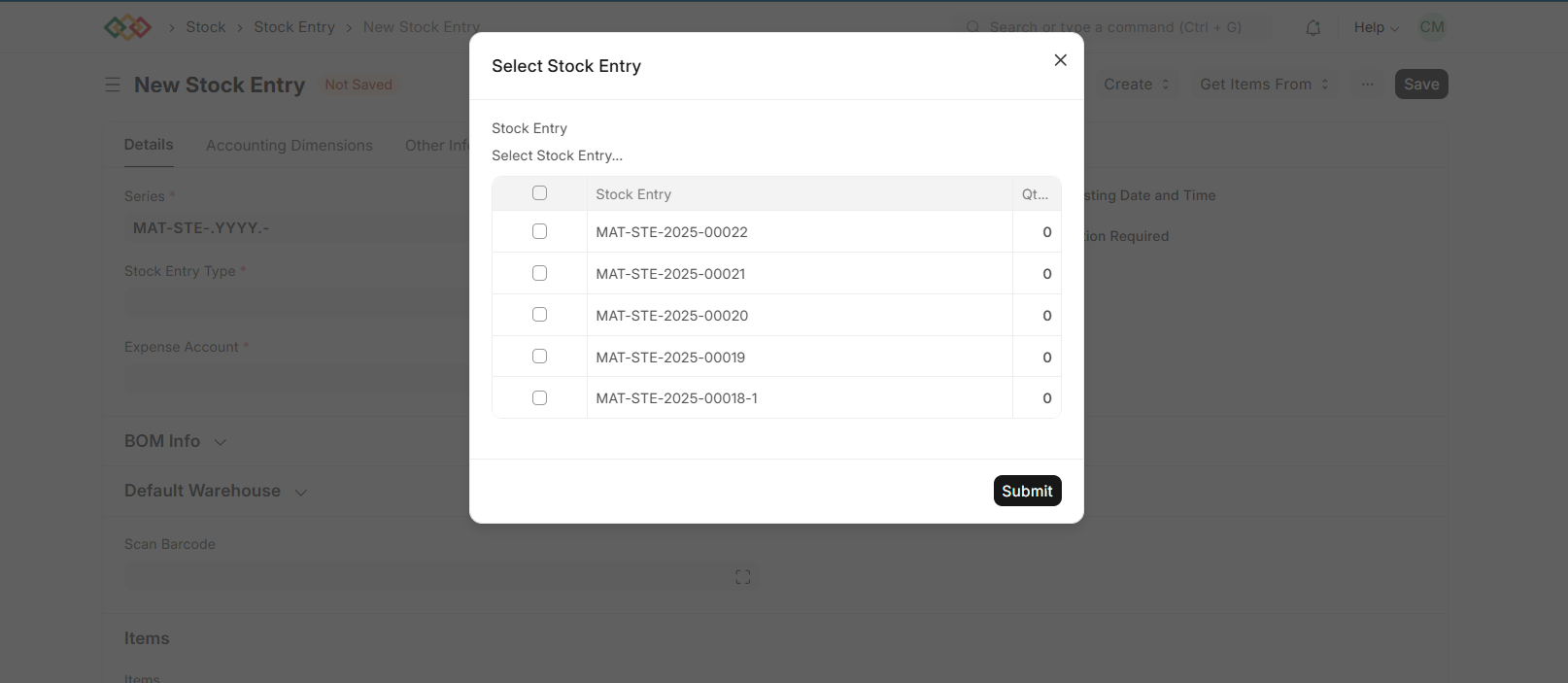
in_place_edit: false
Last updated 2 months ago
Was this helpful?